Showing posts with label KiCAD. Show all posts

Friday, April 11, 2014

More KiCad learning curves - always double check!

The Good, the meh and the bad.

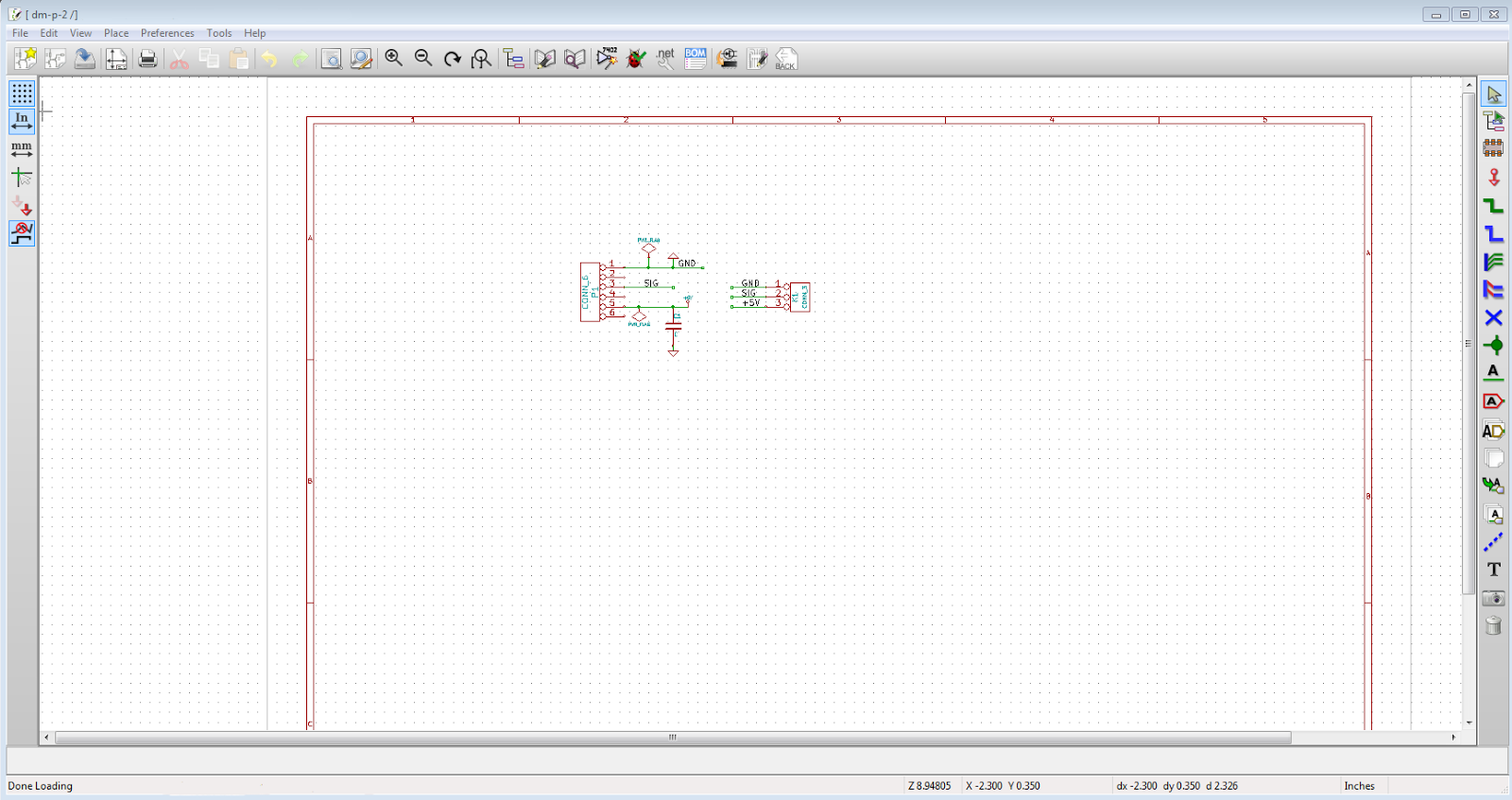
These boards are for the DistoMatic mainboards to inteface with Parallax Ping )))))) ultrasonic sensors.

tl;dr version:

Good news : Got my KiCad designed DistoMatic boards in the mail. 

Meh news : Throughhole pads are not on both top and bottom as they are in Eagle by default.


Bad news: Either the labels are wrong or my pins are in the wrong order in relation to the Ping )))))))).

The Meh

With Eagle, when you place a throughhole connector, it defaults to puttin the pin pads (where you apply 
solder to) to both top and bottom.  Below is the property for the 3 hole connector - notice there's no selection of which PCB layer put the pads on.


Contrast that property window with the one below, which is for the trace (the path for the current to go through on the board) which is set to be placed on the bottom layer.


Here's the corresponding property window for the "pinhead" in KiCad


Notice there's a layer selection in this window that wasn't there in Eagle. Since I was used to the style, I didn't even think to change the defaulted top layer section.

Even so I should have caught this when submitting the design to OSHPark.com. A great feature of their site is that when you upload a project, it will generate a preview of the various different layers.

Here's a previous version of the board (biggest difference being the SMT connector). You can see the gold pads on both the top (left) and bottom (right) layers.

Before ordering, and waiting 2 long weeks, I should have noticed that pads are only on the top (left) layer.

These are things that are taught by experience. Hopefully this helps others to avoid the same issue.




Monday, April 7, 2014

KiCad links (aka Hurry up and wait)

I've re-done my designs in KiCad and have been to submitted to OSHPark.com, now the waiting. Eagle is an established design software package, so many part libraries are already in place. In my initial dive into KiCad, I've had to layout some SMD pads so that's part of the waiting to ensure I got it right before going on to the next designs.

While I love the pricing and that you get only 3 boards (less wasteful than other services that have a minimum of 10), with OSHPark it takes about 2 (long!) weeks to get your boards back. So while I'm waiting here's a few helpful links.

***

First of all, here's the link to KiCAD official download page and site.

***

With Eagle, you just can submit the BRD file to OSHPark. However with KiCad, there's a list of different files you need to zip up and submit.

tymkrs (older version of KiCad) and Wayne and Layne (recent version) both have blog posts about the settings for submitting files to OSHPark.

****

To ensure that your design will work correctly with OSHPark (aka DRC), here is a link from an Electronics.StackExchange question that covers track width and other settings.

****

Here's a couple of videos and links that have helped me to learn KiCad, I would like to think, quickly:

Contextual Electronics is an online teaching company specializing on electronics. They have a 6 part tutorial series that walks you from concept to finished design for a 555 timer based blinky. Here's a link to the entire series in a single page.

Dave from EEVBlog has a first impression video where opens an existing design without any primer on the software and attempts to figure it out. It's both informative and very entertaining!

CAD Tutorials has some helpful videos as well

Thursday, March 27, 2014

KiCad ho!

(Yes I know that "ho!" in this context is an improper use of the word. It's an interjection that is used to call attention to a destination and not an object --- source)

If they were the same price, I would pay for Eagle, but they are not.  Eagle is $315/year or $830 for a lifetime license, whereas KiCad is generously offered at no charge under GNU GPL v2 free of charge licensing.

KiCad - available at www.kicad-pcb.org
Eagle - free for hobbyists is available at www.cadsoftusa.com

That difference is reflected in the layout and integration of the two different products.

Eagle:


  • The layout of the various Eagle windows is what one would expect from a professional pre-ribbon styled Windows application. 
  • It's interface is mouse focused, which I prefer as I occasionally work on layouts on my tablet.
  • The integration between windows in a project is great - update the schematics and the layout will reflect that change

KiCad


  • KiCad's icons and palette selection looks less "professional" 
  • The interface comes alive when used with keyboard shortcuts, but is labourious when only using a mouse -- nearly useless on my tablet. 
  • There's no automatic integration the schematics and layout - you need to export the Net list, update the footprints then import that into the PCB editor.


That said I'm starting to warm up to KiCad. To me, it's not as polished as Eagle, but once you get used to it and understand the flow, and are in front of a keyboard, you can quickly get things accomplished.

So after a week or so I give KiCad a thumbs up. Factor in the price, then it's 2 thumbs and 2 large toes up!

Wednesday, March 12, 2014

Change of gears (already)

Over the past several months, I've been learning the program Eagle from CADSoft (big thanks to Justin from the GHI forums). It's a software package that allows you to layout schematics and boards for PCB manufacture. They have a free version for hobbyists that has some limitations that I've been using. A benefit to using Eagle, is that the output is directly usable for OSHPark.com (a great place to get prototype boards made).

However (there always seems to be a gotcha) the hobbyist version is for non-commercial use only. So to make this jump to offering my boards I would need a commercial license. To get the version which would legally allow me to have more than 2 layers for 1 user is $820!!!!! (CADSoft USA pricing page) Say what?!?!

I contacted them to see if they have any discounted versions for start-ups. The best they could do was to offer a 1 year license for $315. But then I would need to renew it every year or upgrade to the $820 lifetime license.

Open Source to the rescue!!


KiCAD (found here) seems to be a solution. Quoting directly from their page:

"KiCad is an EDA software suite for the creation of professional schematics and printed circuit boards up to 16 layers. KiCad runs on Windows, Linux and Apple OS X and is released under the open-source GNU GPL v2 free of charge."

Hopefully the learning curve won't be too step. It appears you need to be careful with drill files (the definition of where holes are put in your boards) with OSHPark.com, but they are working on improving the experience.

So it's off to learn KiCAD to see if I can save $300+. Another benefit is that by providing KiCAD projects instead of, or in addition to, Eagle, it will be easier for other new ones to benefit from my designs.